Configure Sketch Scan in XactAdmin
 Updated
by
Jill Bowers
Updated
by
Jill Bowers
To configure Sketch Scan in XactAdmin, follow the steps below.
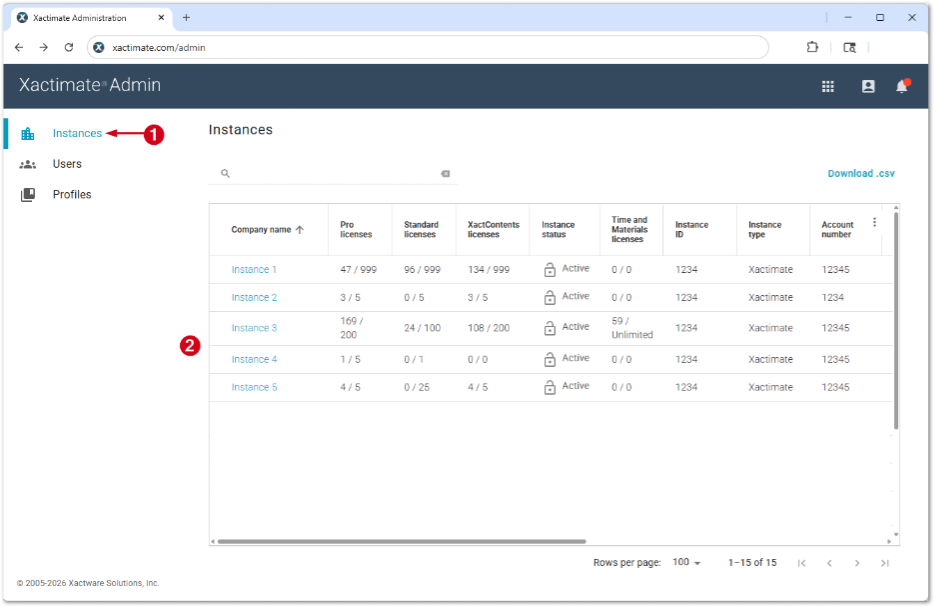
- From within XactAdmin, select Instances.
- Select your instance from the Instances table.
Note: If you have only one instance, no Instances table appears and you are taken directly to the Users tab.
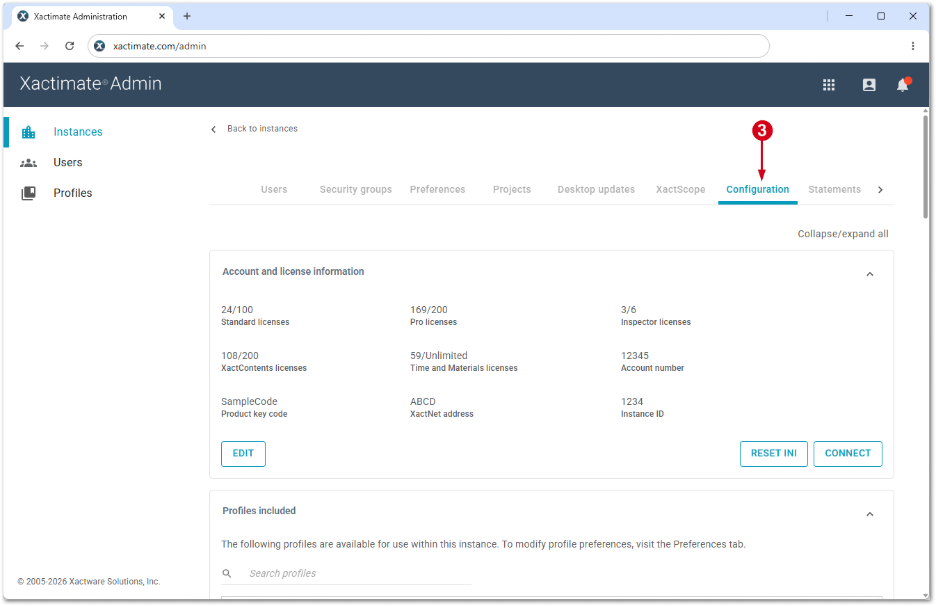
- Select Configuration.
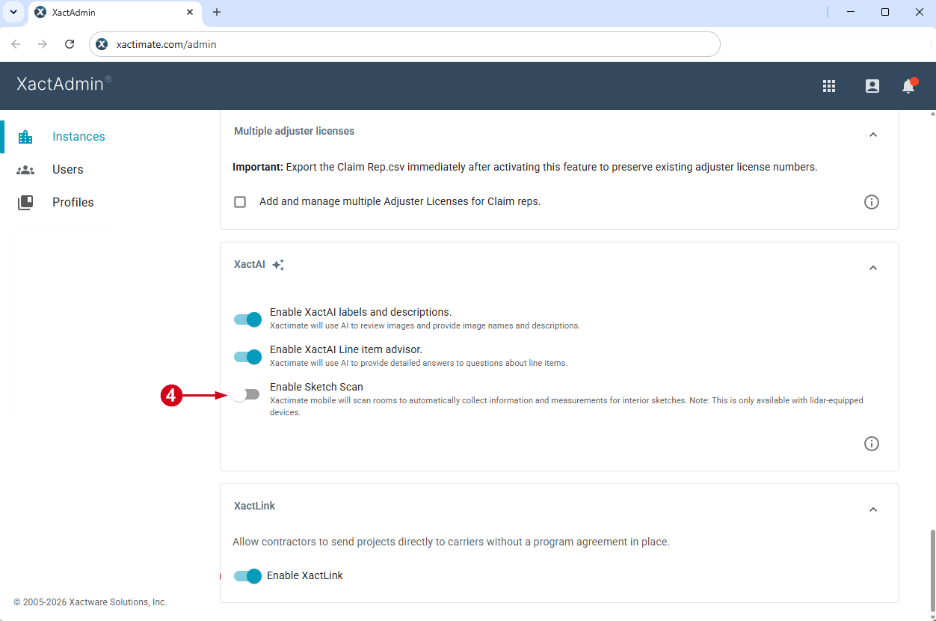
- In the XactAI section, turn on the Sketch Scan toggle.
To learn how to use Sketch Scan in Xactimate, see our Sketch Scan article.