Profile feature: Loss Reporting Partial Roof Replacement
 Updated
by
Jill Bowers
Updated
by
Jill Bowers
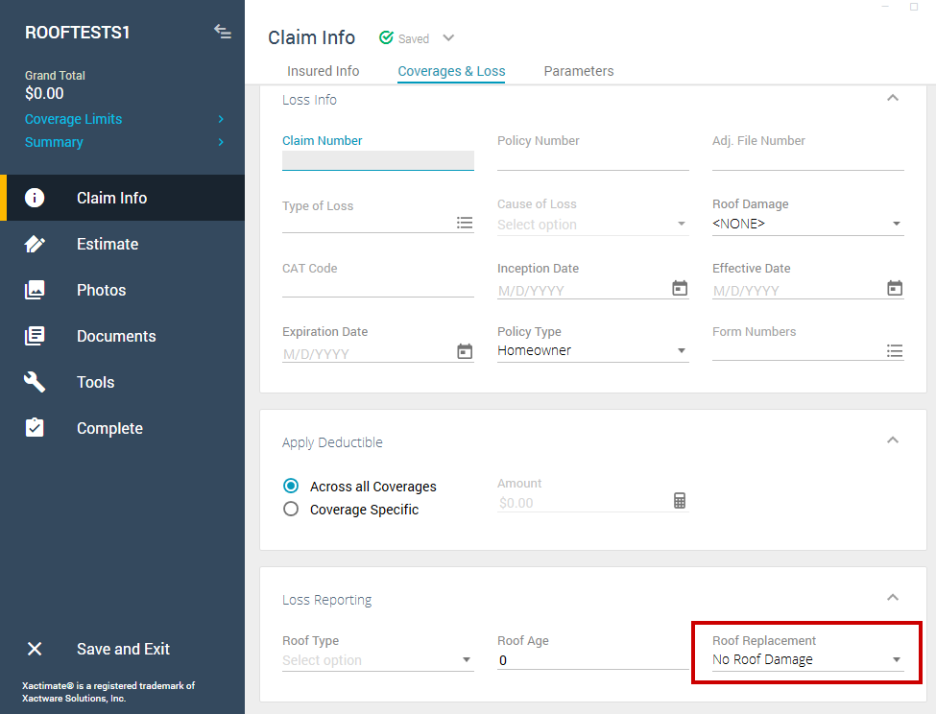
When this profile feature is active, the Roof Replacement dropdown menu is visible and enabled. The Full Roof Replacement checkbox is removed.
You can find these fields by following the instructions below.
- Within an open estimate, select Claim Info.
- Select the Coverages & Loss tab.
- Locate the Loss Reporting section.
- Select the Roof Replacement dropdown.