Profile feature: Use TPI workflow
 Updated
by
Jill Bowers
Updated
by
Jill Bowers
If this profile feature is turned on, data requests go through the updated third-party integration (TPI) workflow. Users can make a data request by selecting the Request Data button. This opens a new page in a separate tab or window, depending on your settings.
Note: Before a data request can be sent, certain data must be present in your project, including the claim number and the insured’s name and address. If this information is not in the project, you are prompted to add it.
The new window opens to the Integrated services tab under Instances. From here, you can request more information about roofs, walls, and other items from the vendor(s) of your choice.
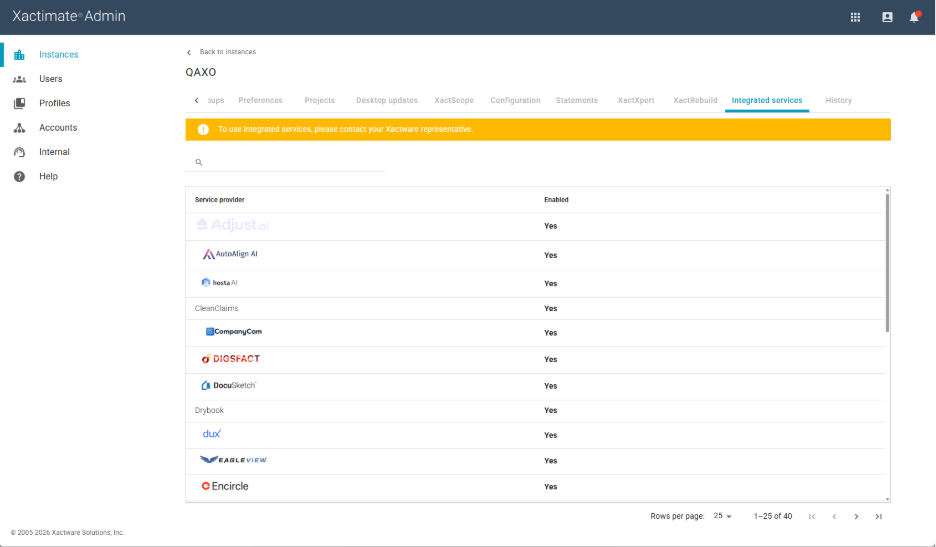
Note: You can add vendors in Preferences. To learn how, read our article about third-party communication.
After you select the items you need from your chosen vendor and confirm the information in your claim, the data request is sent.