Profile feature: Contractor
 Updated
by
Jill Bowers
Updated
by
Jill Bowers
When this profile feature is turned on, the Contractor field is visible in the Personnel box in the Claim Info tab of an open estimate.
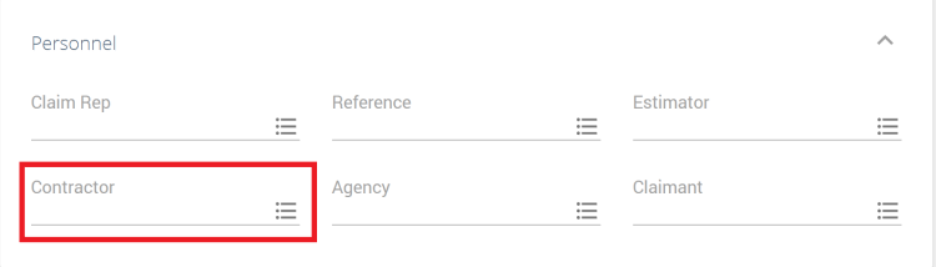
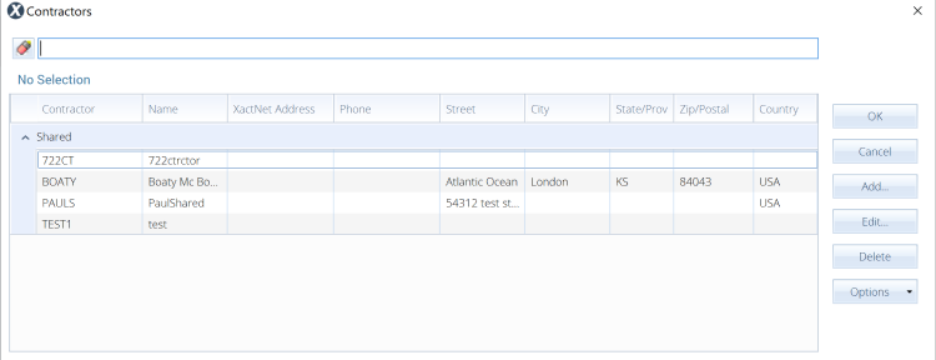
Select the menu button to open a dialog where you can choose or add a new contractor.
This profile feature is on by default.