Configure XactLink for contractors in XactAdmin - Instances
 Updated
by
Jill Bowers
Updated
by
Jill Bowers
XactLink allows contractors to securely send projects directly to carriers without a program agreement in place. Instance administrators and profile owners can configure XactLink settings in XactAdmin under Instances and Profiles, respectively.
Note: This document provides instructions on how contractors can enable XactLink in Instances. To learn how carriers can opt into XactLink in Profiles, read our Opt into XactLink for carriers in XactAdmin – Profiles document.
Instance administrators can allow contractors in their instance to use XactLink to send assignment requests to other carriers who have opted to use XactLink by following the steps below.
Note: This is not available in instances owned by carriers.
- From within XactAdmin, select Instances.
- Select your instance from the Instances table.
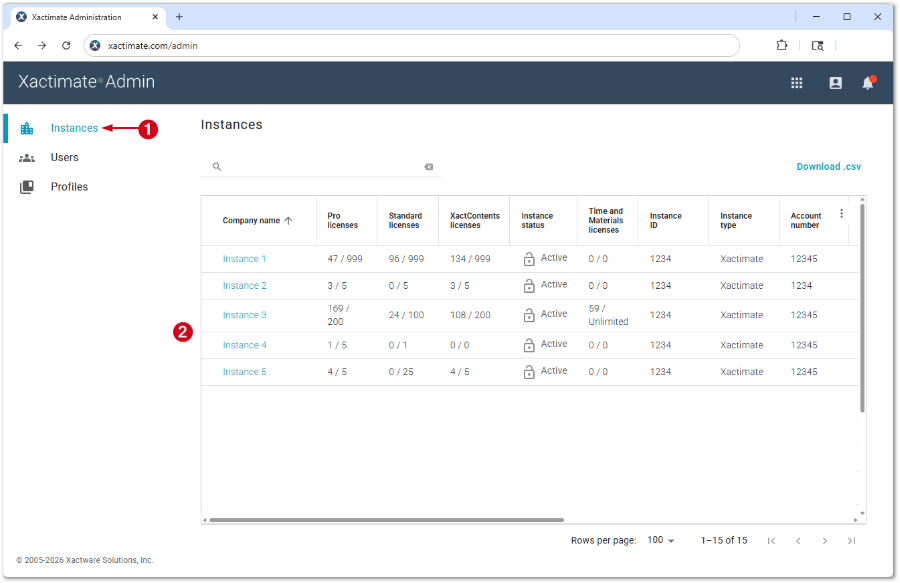
Note: If you have only one instance, no Instances table appears and you are taken directly to the Users tab.
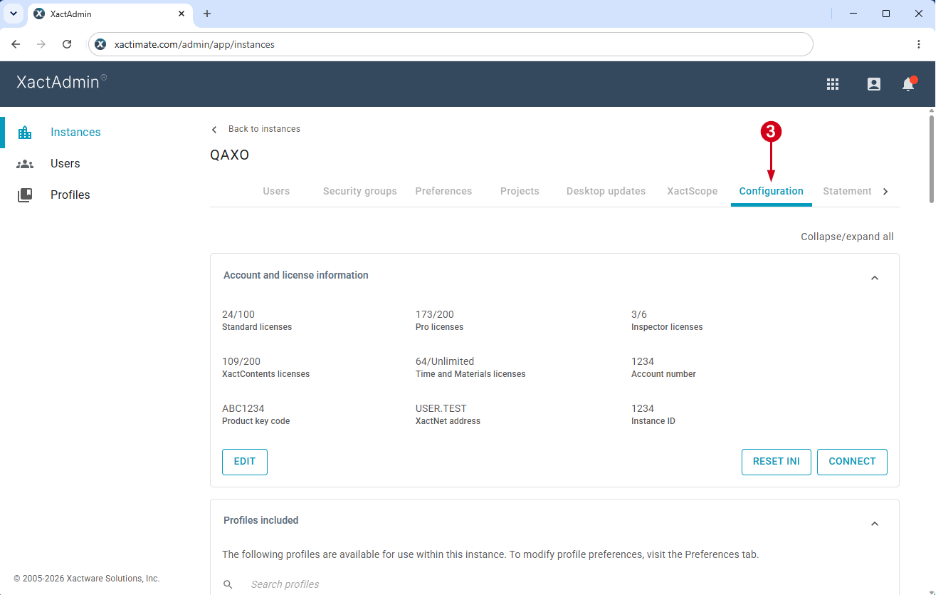
- Select Configuration.
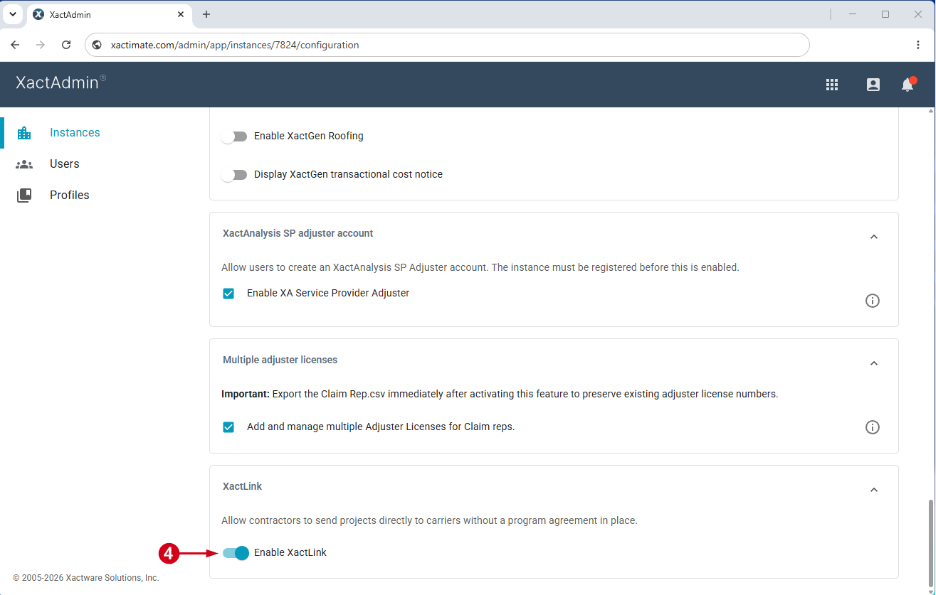
- In the XactLink section, select the Enable XactLink toggle.
Note: Depending on your settings, you may need to scroll to find the XactLink section.