Profile feature: Phone control enabled for assignments
 Updated
by
Jill Bowers
Updated
by
Jill Bowers
When this feature is turned on, the Phone # field is available in assignments. To find the Phone # field, navigate to Claim Info, select the Insured Info tab, and find the Insured Info card.
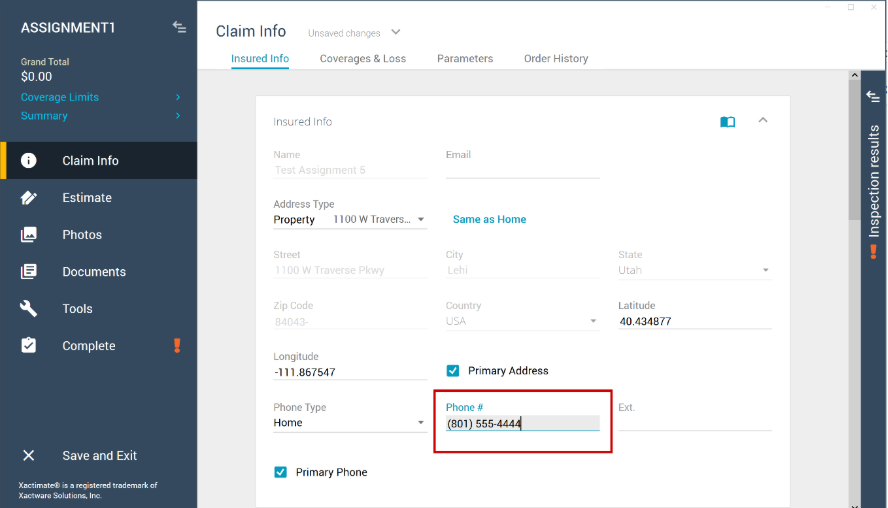
When this feature is turned off, the Phone # field is visible but cannot be edited.