Profile feature: Lock company header list
 Updated
by
Jill Bowers
Updated
by
Jill Bowers
When this profile feature is active, the Company Header list locks. Unless you have override privileges, you cannot change company headers inside Xactimate. The Company Headers list can only be changed by XactAnalysis updates, data transfers, or users with certain override privileges.
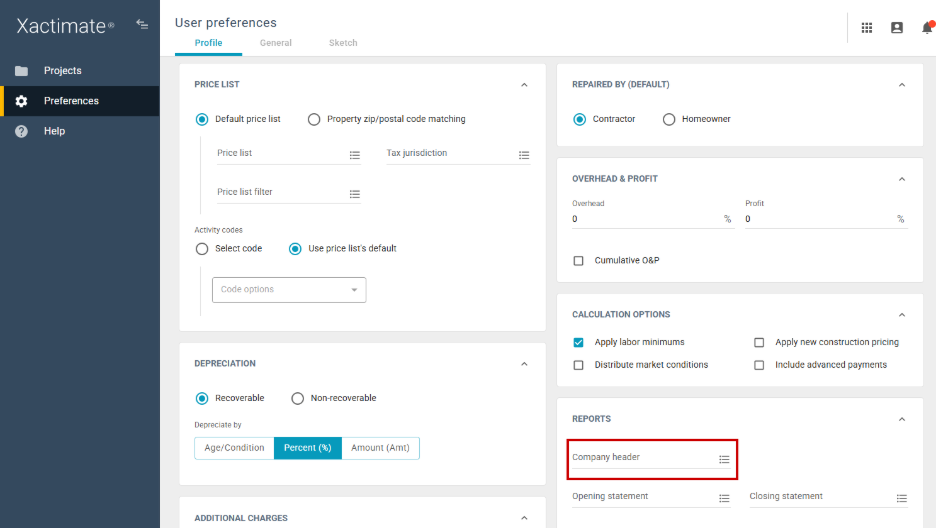
In Xactimate online, you can find the Company Header list in the Preferences page, under the Profiles tab, in the Reports section.
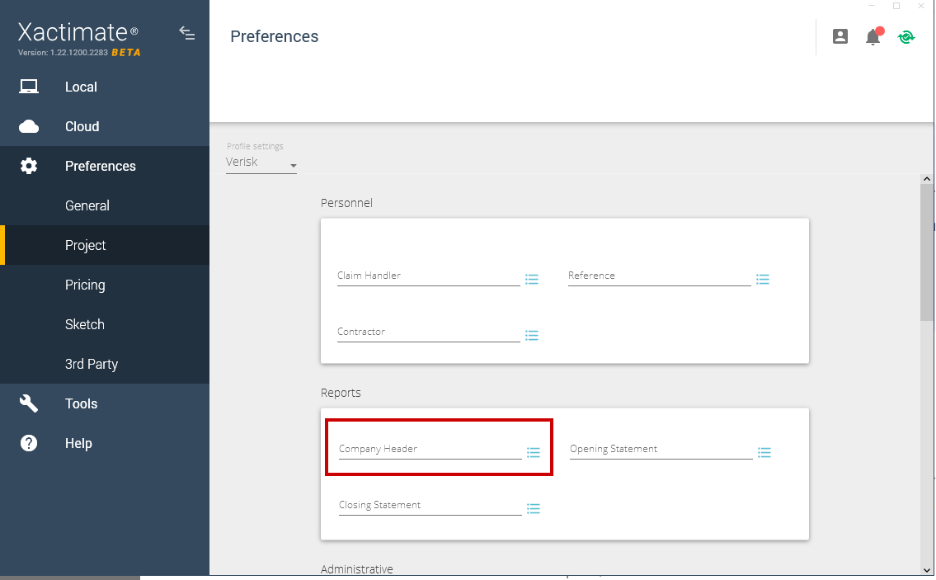
In Xactimate desktop (X1), the Company Header list is in the Preferences page, under the Profiles tab, in the Reports section.
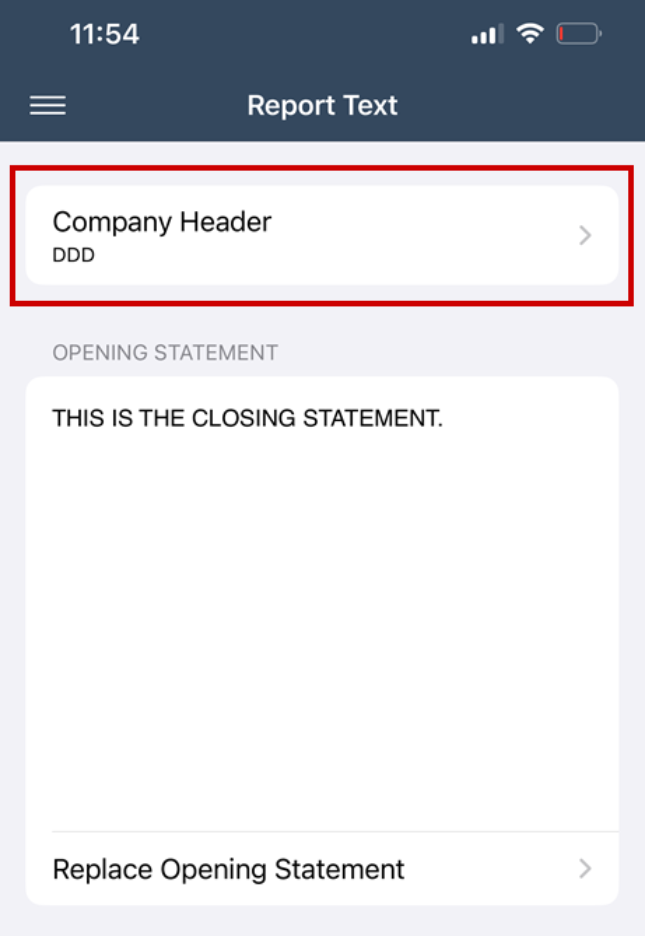
In Xactimate mobile, the Company Header list is in an open statement by selecting More, then Report Text, under Company Header.