Profile feature: Hide Internal Note
 Updated
by
Jill Bowers
Updated
by
Jill Bowers
The Hide Internal Note profile feature hides both the Internal option in line item notes and the Exclude Internal Notes option in Reports.
Internal note checkbox
The Internal Note option can be accessed from the line item list. You can find the line item list in Sketch, Estimate Items, and the Inventory or Item Price List tabs of XactContents. To find the Internal Note option, select the Notes icon in the list of line items.
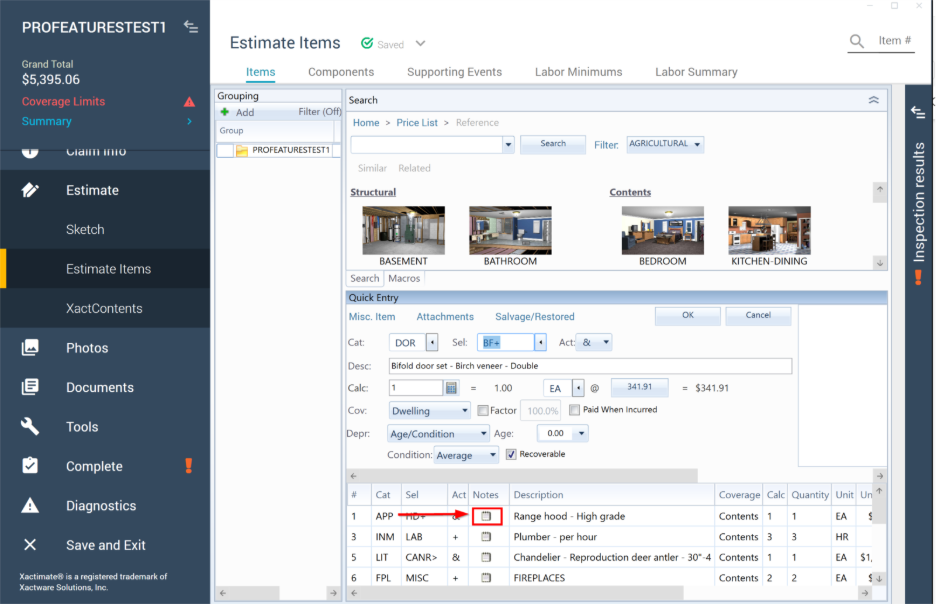
The Notes window opens. When the Hide Internal Note feature is turned off, you can see the Internal checkbox.