Profile feature: Valid tax jurisdiction to print
 Updated
by
Jill Bowers
Updated
by
Jill Bowers
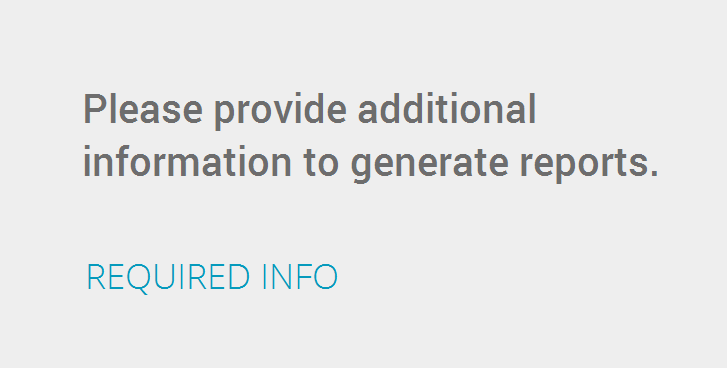
If this profile feature is enabled, a tax jurisdiction must be entered in Claims Info > Parameters. If a tax jurisdiction is not entered, reports will not print. Instead of reports appearing after you select Documents > Reports, a message will appear to let users know that more information (such as tax jurisdiction) is required.
If this feature is turned on and a tax jurisdiction is entered, Xactimate will validate the tax jurisdiction before printing reports; if this feature is not turned on, the tax jurisdiction will not be validated and is not required before reports print.