Data transfer in Xactimate online
 Updated
by
Jill Bowers
Updated
by
Jill Bowers
You can easily import and export data from our Data transfer feature in the Tools section of Xactimate online. To use Data transfer, follow the instructions below.
Import data
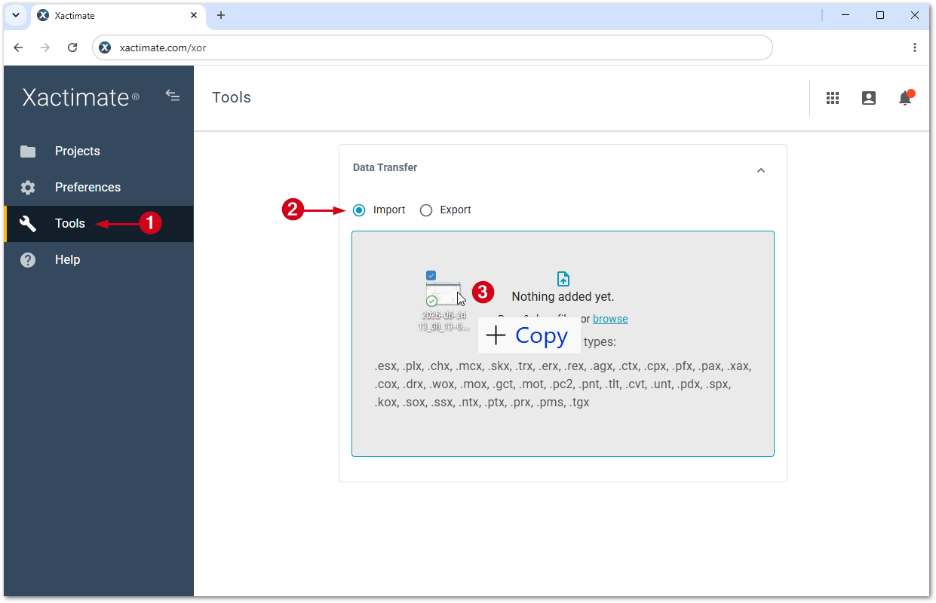
- From within Xactimate online, select Tools.
- Select Import.
- Drag and drop files into the Data transfer window. The Import window appears.
Note: Alternatively, select browse and choose the files you want to import from File Explorer.
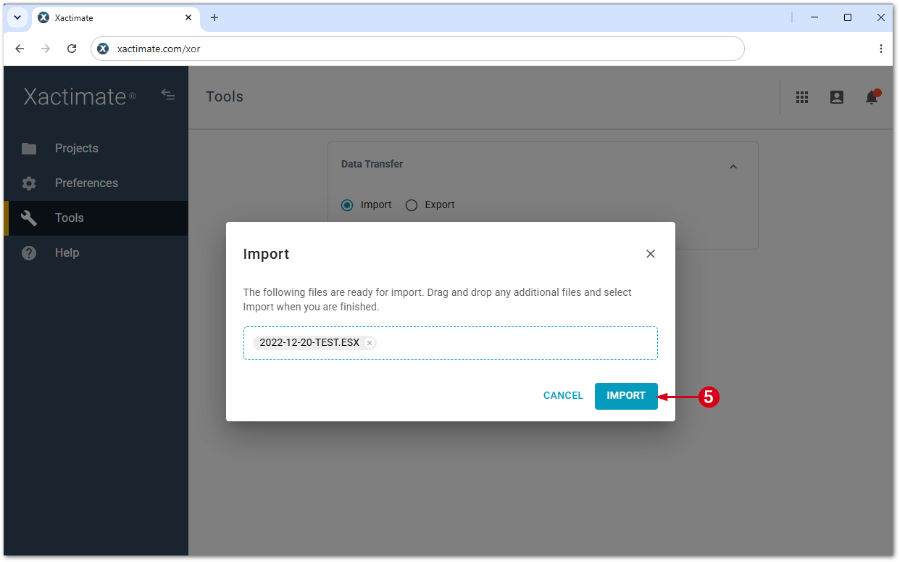
- Add more files to the Import window, if needed. Otherwise, skip to step 5.
- Select Import.
Data already exists
If the data you are trying to upload already exists, a popup window appears. From the window, select Skip to prevent uploading the duplicate data, select Overwrite to replace existing data, or Merge/rename to rename the data.
Export data
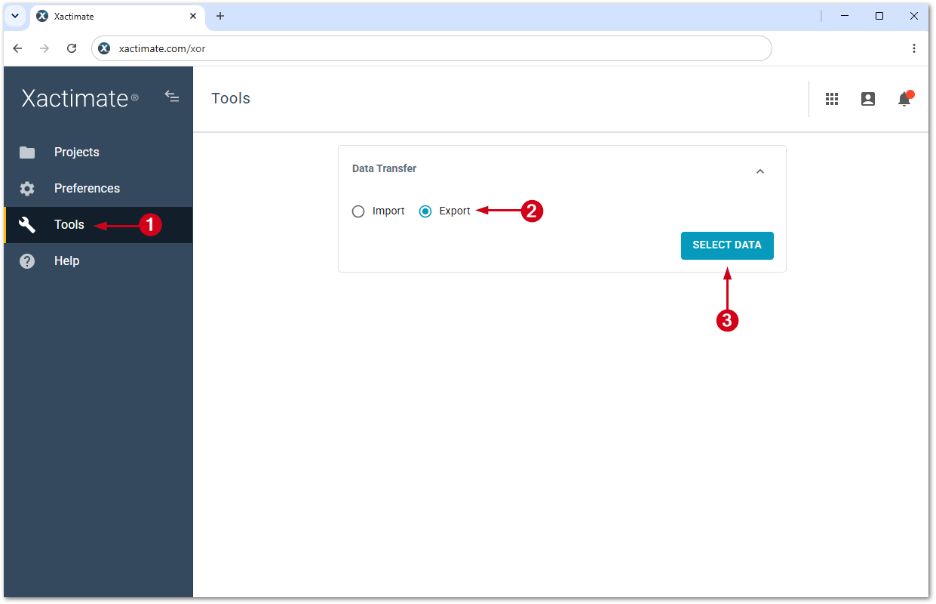
- From within Xactimate online, select Tools.
- Select Export.
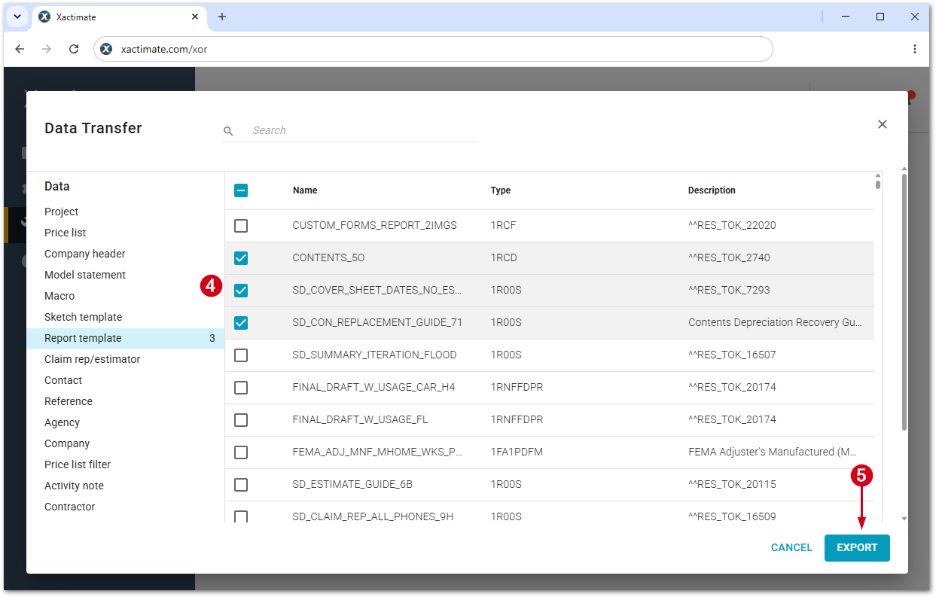
- Select Select data. This opens the Data transfer window.
- Select the data you want to export.
- Select Export.
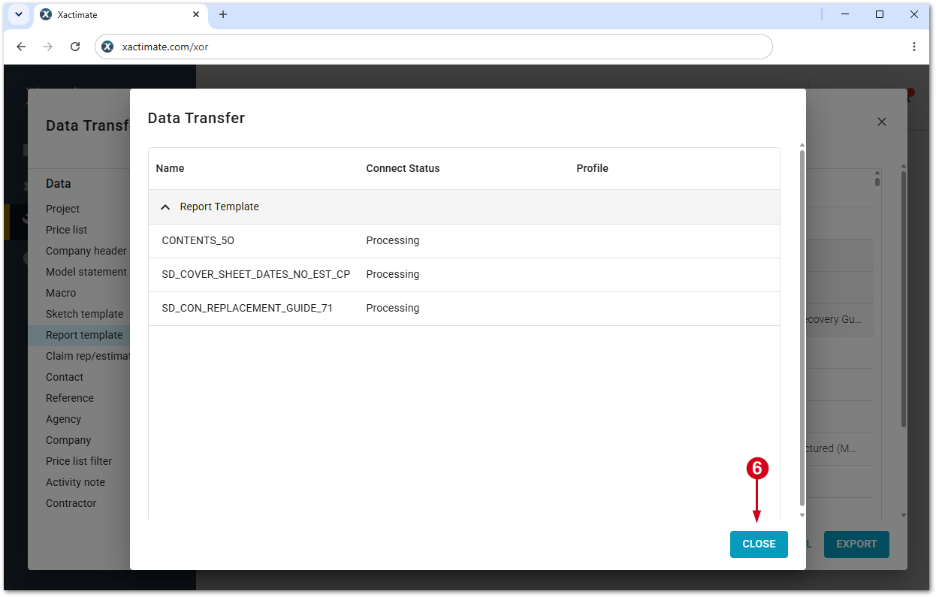
- Select Close.